Deploy a Github repo to AWS
When you have successfully added an AWS account to your workspace and installed the Thunder.so Github App, you can create new applications. Click on + Project button to start.
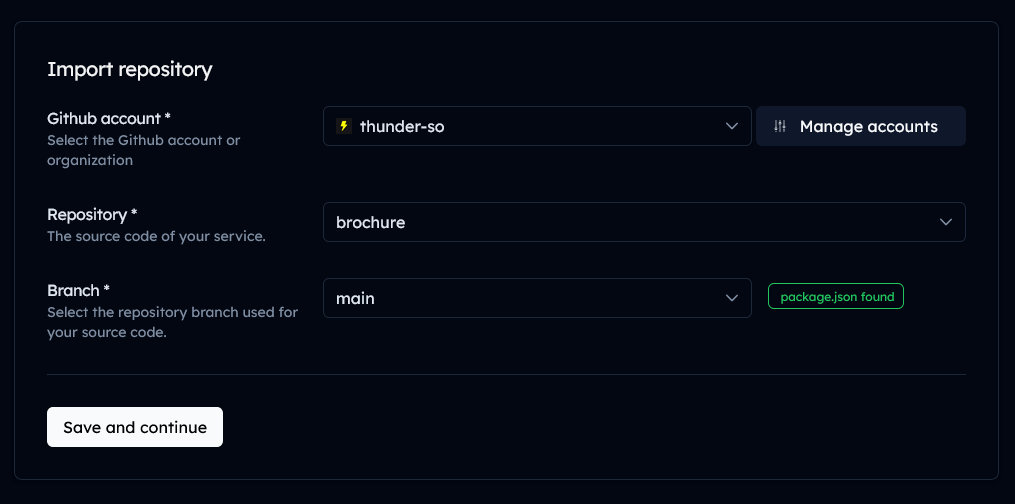
Import a repository
You will now see a list of repositories. Select the repository you want to deploy.
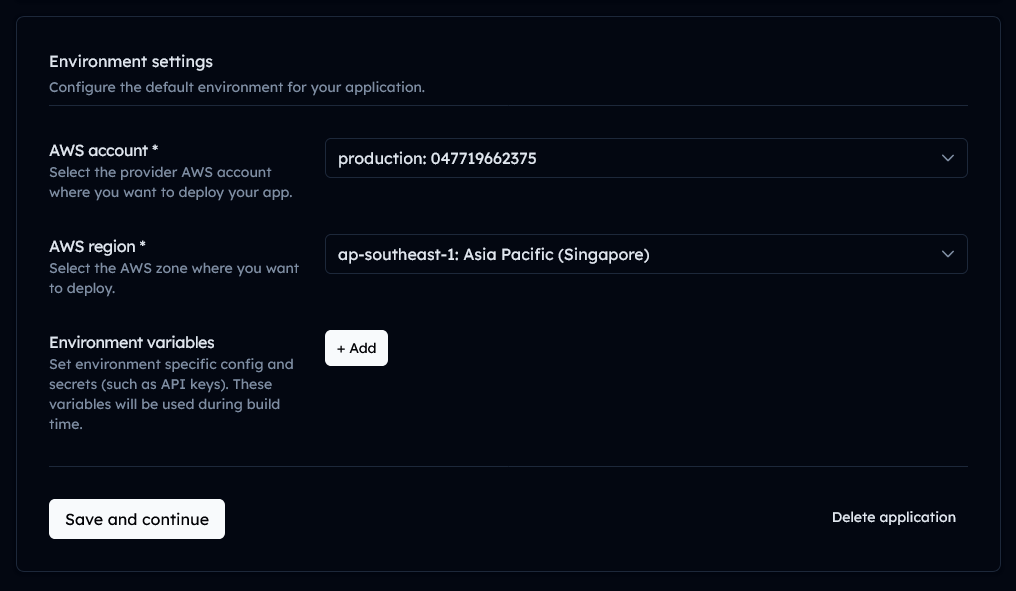
Select AWS Account and Region
Select your account and the region where you want to deploy your application.
Configure your build
Thunder will automatically detect the framework and any necessary build settings.
However, you can configure the build settings. You can also add Environment Variables.
Generate User Access Token
Thunder will configure your AWS CodePipeline and Github repository for autodeploys. Authenticate the Github App to generate a long-term server-to-server token from Github.
Thunder will create a AWS Secrets Manager secret and store your user token safely. The ARN of the secret resource will be used to configure your build pipeline.

Install your application
Press the Deploy button to deploy the CDK stack to your AWS account.